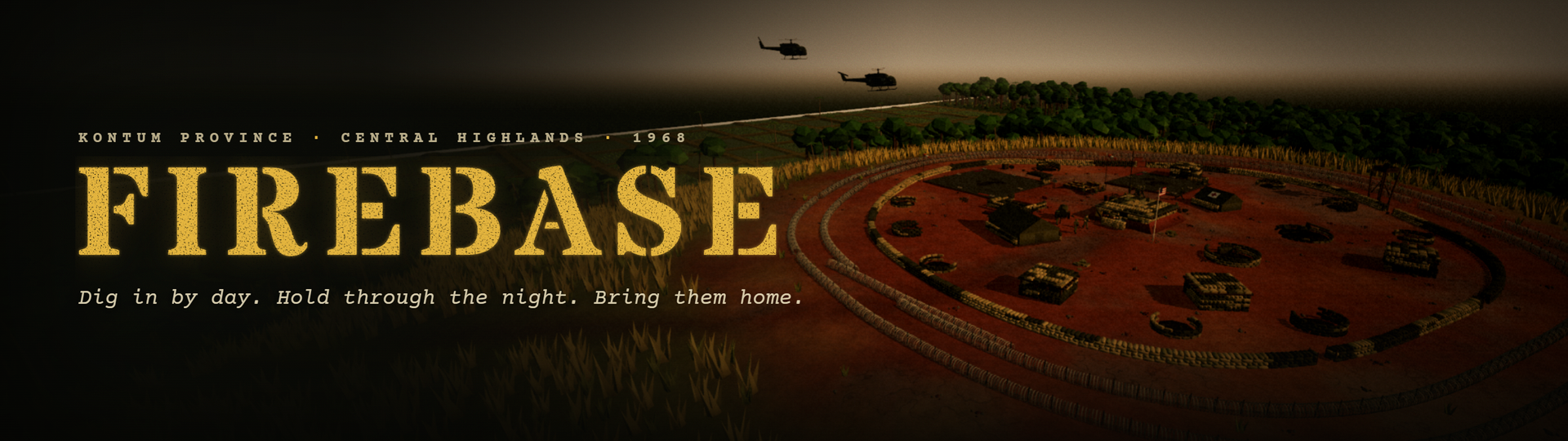
Firebase: Vietnam
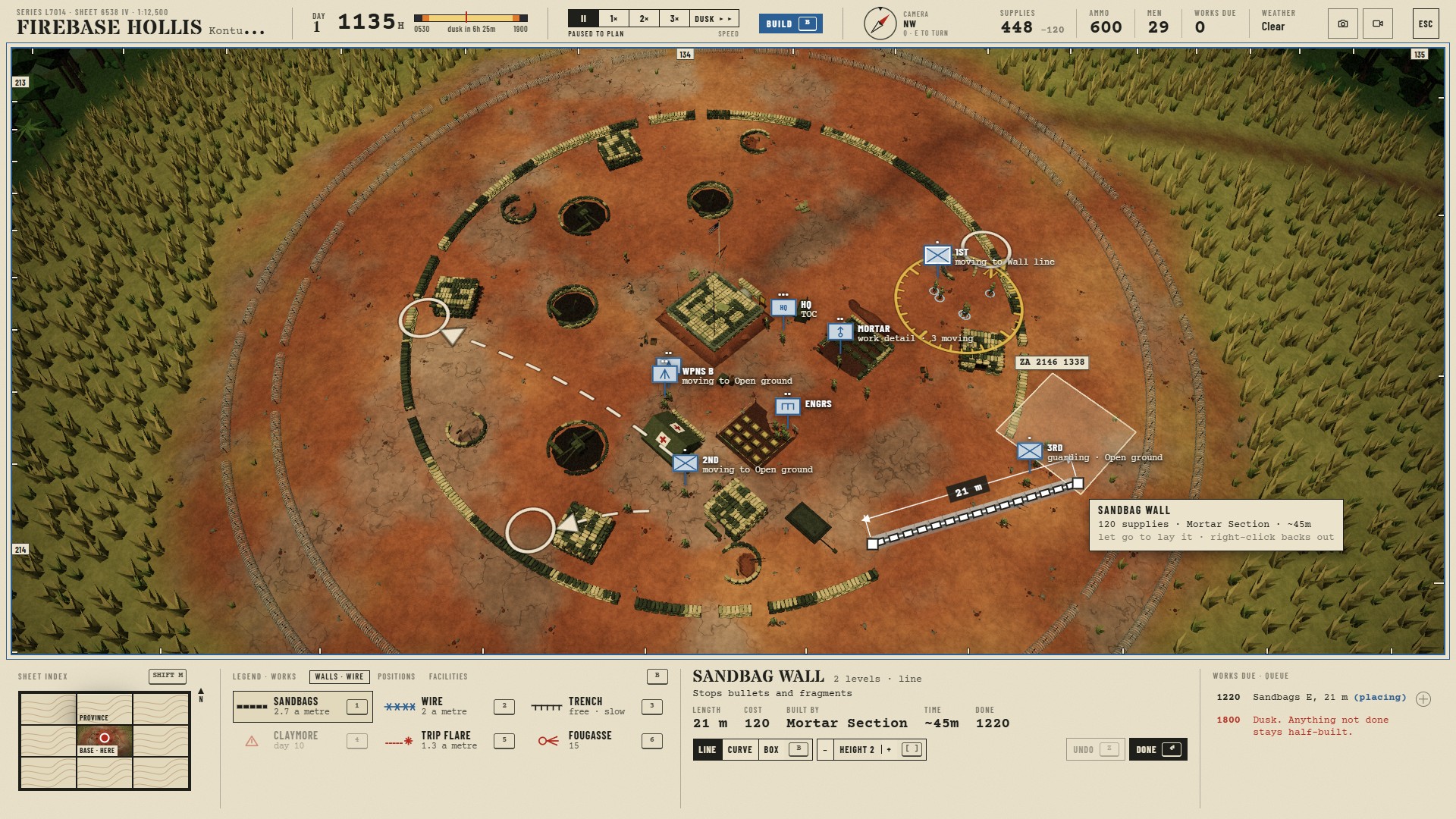
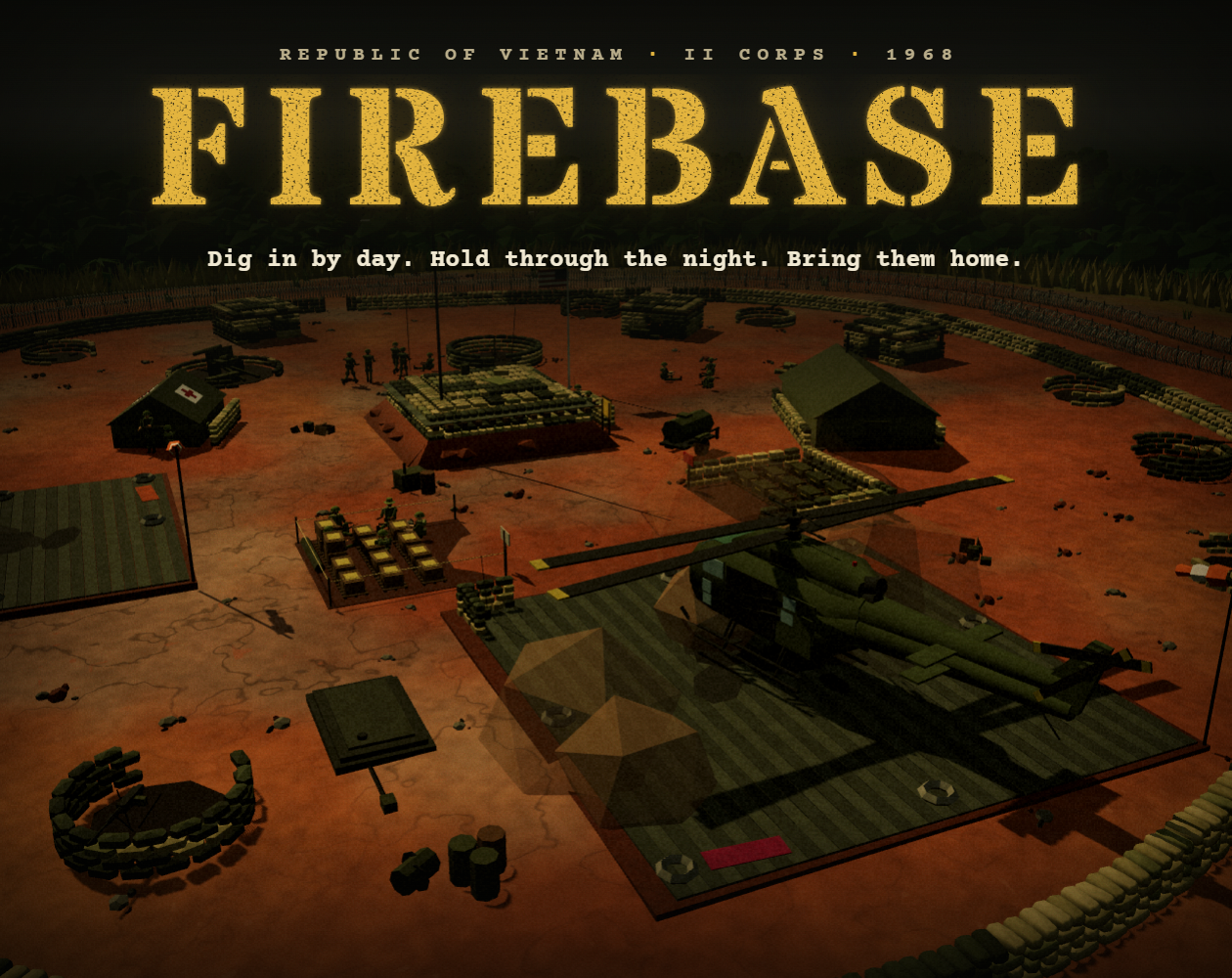
Kontum Province, 1968. Your company has just been dropped on a bare red hilltop in the Central Highlands. Fill the sandbags, string the wire and dig the gun pits before dark, because after dark you only see what is lit.
You're the commander, not a rifleman. You give the orders and your men do the work: they dig, carry, fight, get tired, get better at it, and count the days until they go home.
Two ways to play
Five Nights: the original game. Build by day, hold through the night. Probes at dusk, sappers in the wire, then the main assault. Pop flares, call illumination and HE from your mortar pit, carry the wounded to the aid station and call in Dustoff. Survive five nights.
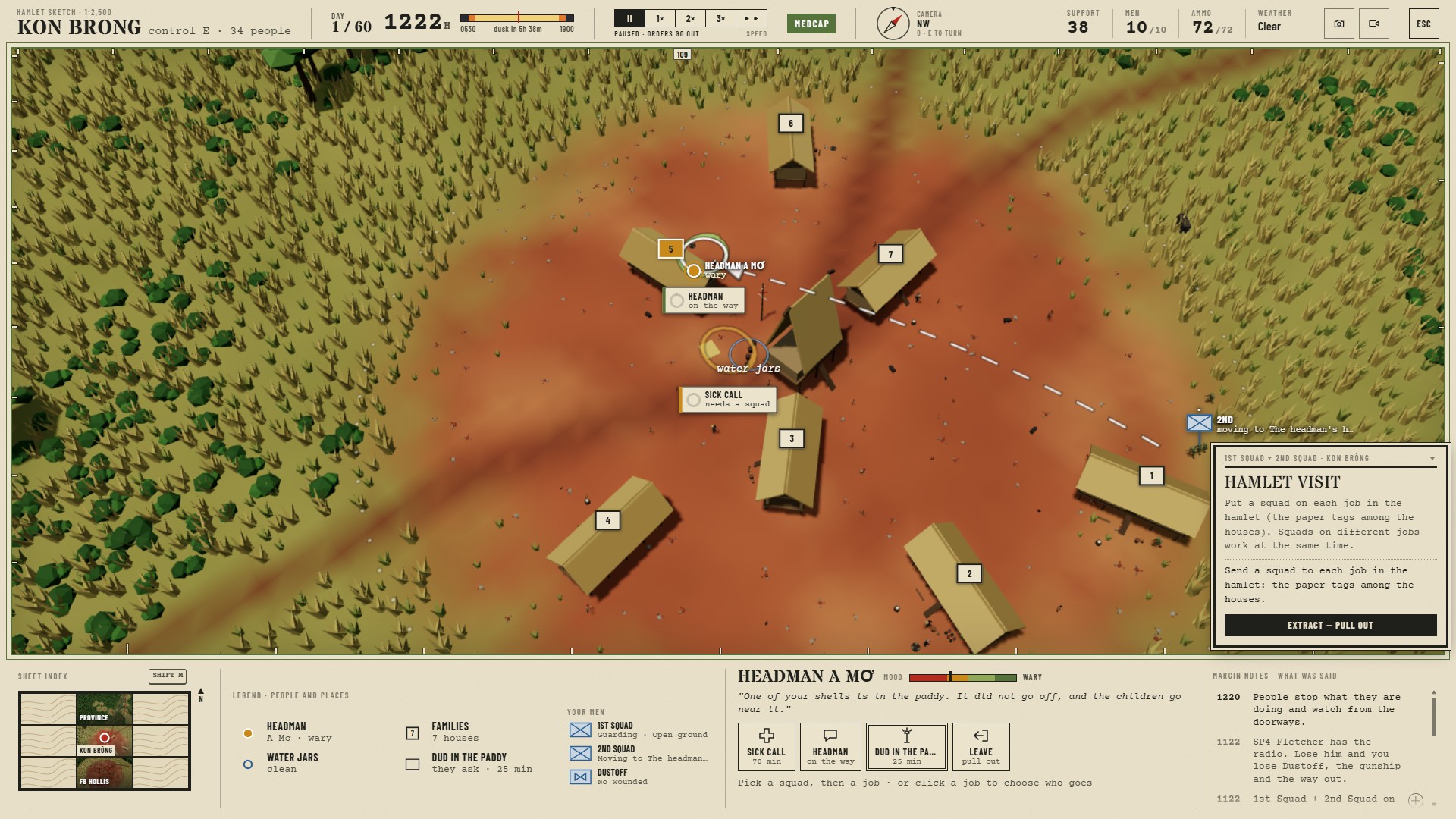
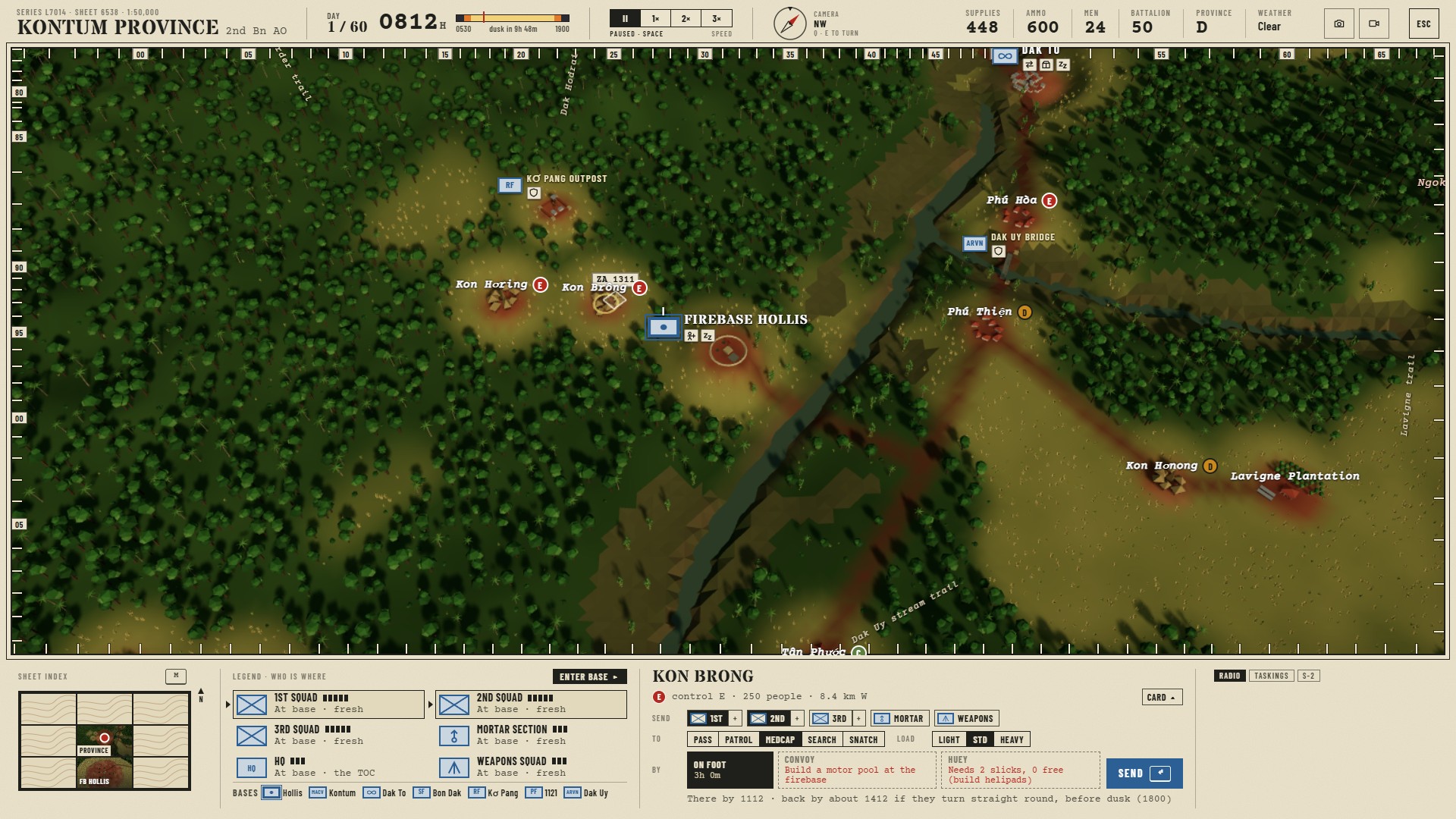
Kontum Campaign: a 60-day tour. Send squads out on foot, by truck convoy or by Huey to win over the hamlets of the province, then fight the contacts yourself on generated field maps or let them auto-resolve. Back on the hill, build up the firebase that supports them: mortar and 105 pits throw your artillery fans across the map, helipads bring more slicks and a gunship, a motor pool gives you a convoy. Get the province to grade B by day 60.
On the hill
- Drag out sandbag walls and concertina wire. Place M60s, .50 cals, bunkers, mortar and howitzer pits, claymores, trip flares and fougasse.
- Darkness matters: flares drift on the wind and their shadows swing, searchlights light up the wire, muzzle flashes give away positions.
- The Huey is your lifeline for supplies, ammo, reinforcements and medevac, and the monsoon can ground every aircraft.
- Your men gain experience and fatigue one by one. Short-timers get careful in their last two weeks.
- Fly the gunship yourself, or send it on a sortie.
First time?
Start with Five Nights: a short tutorial walks you through your first day. Space pauses at any time, and you can still give orders while paused, so take your time. Every control is listed in-game under Controls (top right).
Controls
Camera
- W A S D pan · Q / E rotate · mouse wheel zoom
- On the hill and in the field: middle-drag to rotate and tilt, Shift + middle-drag to pan
- On the province map: right-drag to rotate and tilt, middle-drag to pan
- Space pause · - / + game speed (1 2 3 on the province map)
Squads
- Left-click a soldier, their squad tag or squad card to select it. Drag a box for several, Shift to add more.
- Right-click the ground to send them there. Right-drag to send them facing that way. Shields show the cover they'll have.
- Ctrl + 1–9 saves a group, 1–9 selects it (press twice to look at it)
Building the firebase
- Pick a piece from the build panel at the bottom. Left-drag to lay walls and wire, click to place positions.
- R rotate · B line / box · [ ] wall height
- X demolish · C clear · V repair · N upgrade · Esc or right-click cancel
Calling for support
- I illumination · H mortar HE · F 105mm HE (then click the map)
- U emergency ammo · P Spooky
- M call Dustoff · K pop smoke on the LZ
- T send it on a sortie (then click the map)
Kontum Campaign map
- Pick squads in the panel on the left, click where they should go, then choose On foot, Convoy or Huey
- Or click a unit symbol on the map, then click where it goes
- Enter base to build up the firebase · Esc cancel
Anywhere
- O takes a photo for your tour album · L saves the last 30 seconds as a video
Phones and tablets
Play in landscape. Drag to pan, pinch to zoom, twist two fingers to rotate, double-tap to zoom in. To give an order, tap a button in the Command panel, then tap the map. The gunship gets an on-screen stick and a Rockets button.
The game saves itself every morning.
Development log
- Patch notes: the map sheet, a new tutorial, and what they carry1 day ago
- Down behind it: ground to fight from, an enemy with someone in charge, houses yo...2 days ago
- Going in: bunkers, smoke and the assault, hamlets that hit back, and men who mov...3 days ago
- Heads down: winning the fire, wounded who can't wait, and a firebase that wears...4 days ago
- Bring them home: the dead and the missing, scars that stay, and four new mission...4 days ago
- Hold what you take: the oil spot, people who count, and a tour that doesn't have...5 days ago
- The enemy fights back: trails, raids, a commander, and Tet5 days ago
Leave a comment
Log in with itch.io to leave a comment.